

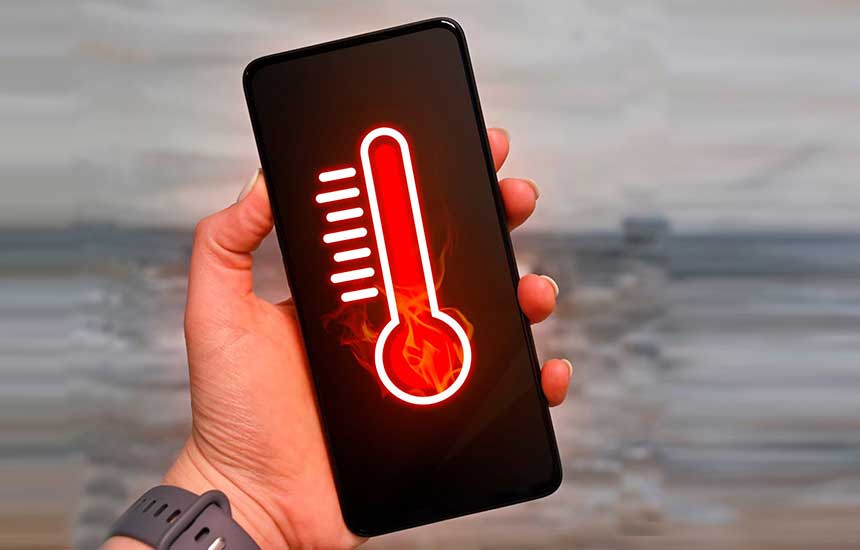
Why Does My Phone Keep Overheating?
A smartphone may become warm during gaming, video recording, navigation, charging, or software updates. These activities make the processor, display, battery, and wireless components work harder.
However, a phone that becomes extremely hot, repeatedly shuts down, or heats up while idle may need attention. The goal is to distinguish normal warmth from a potential battery, charging, or hardware problem.
1. Understand When Warmth Is Normal
Phones generate heat when performing demanding tasks. Warmth may be more noticeable when several activities occur together, such as navigating with GPS while streaming music and charging.
The phone may also become warm temporarily after a major operating-system update while it completes background tasks.
If the device cools down when the workload ends and otherwise works normally, the warmth may be related to ordinary operation. Repeated extreme heat or temperature warnings should not be ignored.
2. Remove the Phone From Direct Sunlight
Hot environments can make it difficult for a phone to release heat.
Avoid leaving it on a sunny dashboard, beside a heater, or inside a hot vehicle. If the phone is hot, move it to a shaded, well-ventilated place and pause demanding tasks.
Do not put it in a refrigerator or freezer. Rapid temperature changes can cause condensation and damage the device.
3. Check Charging Accessories
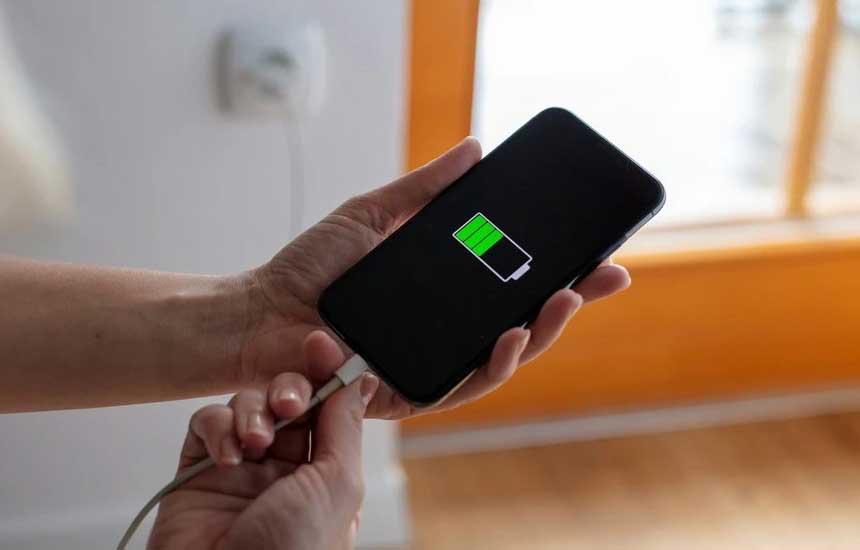
Charging generates heat, especially when the phone is also being used for demanding tasks.
Use a compatible charger and cable from the phone manufacturer or a reputable supplier. Inspect accessories for damage, and stop using any cable or adapter that is frayed, discolored, or unusually hot.
If the phone becomes excessively hot while charging, disconnect it if safe to do so and allow it to cool. If the behavior repeats with compatible accessories, seek professional advice.
Do not cover a charging phone with bedding or place it where heat cannot escape.
4. Close or Pause Demanding Tasks
Gaming, video editing, extended camera use, video calls, and navigation can increase heat.
Pause the task and let the device cool if it becomes uncomfortable to hold or displays a temperature warning. Avoid running several demanding applications at the same time when the phone is already hot.
You do not need to force-close every app routinely. Focus on the activity that is causing the heat and check battery usage for applications that remain unusually active.
5. Check Background Apps
An application that repeatedly synchronizes, uploads, tracks location, or gets stuck in a loop can consume energy even when it is not on screen.
Open the battery-usage section of your settings. Look for apps using unusually high power compared with your normal usage.
Update the app through the official app store, review its background permissions, or temporarily stop using it to see whether the problem improves. If the issue began after a particular app was installed or updated, that timing may provide a useful clue.
6. Consider Weak Cellular Reception
In areas with weak reception, a phone may use more energy trying to maintain its network connection.
If overheating occurs mainly in a basement, remote area, or building with poor signal, compare behavior in a location with stronger reception. Use trusted Wi-Fi calling if supported by your carrier and device.
Airplane mode may reduce radio activity when you do not need connectivity, but it also disables normal cellular service unless individual connections are re-enabled.
7. Update the Operating System
Software updates may correct bugs that cause excessive processor use or battery drain.
Install updates through the phone’s official settings. If the phone recently updated, allow temporary background tasks to complete and observe whether the temperature returns to normal.
If heat persists during light use, check the manufacturer’s troubleshooting guidance rather than installing unofficial system tools.
8. Check Storage and Device Workload
Very low storage does not automatically cause overheating, but a device with software problems, heavy background processing, or repeated failed tasks may behave abnormally.
Check available storage and remove files you no longer need if space is limited. Avoid installing “cooling” applications that make exaggerated claims; many cannot directly control the physical temperature of a phone.
9. Know the Warning Signs of Battery Damage
Stop using the phone and seek qualified service if you notice:
- A swollen battery or a screen or back panel lifting away.
- Smoke, a chemical smell, or visible leakage.
- Repeated temperature warnings during light use.
- Severe heat that continues after demanding tasks have stopped.
- A damaged charging port or melted connector.
Do not press, puncture, bend, or attempt to remove a swollen lithium-ion battery. If there is smoke or fire, move away and contact emergency services. Follow the manufacturer’s safety instructions.
10. When to Seek Professional Help
If the phone repeatedly overheats during ordinary tasks, shuts down unexpectedly, or remains hot after being disconnected from charging, contact the manufacturer or a qualified repair provider.
Before service, back up important data if the phone can be used safely. Do not continue charging or using a device that shows signs of battery swelling or electrical damage just to complete a backup.
Quick Troubleshooting Guide
| When the phone gets hot | Possible explanation | What to do |
|---|---|---|
| During gaming or video recording | High processing workload | Pause and let it cool |
| In direct sunlight | High ambient temperature | Move it to a shaded, ventilated place |
| While charging | Charging heat, accessory issue, or simultaneous heavy use | Stop demanding tasks and check accessories |
| In an area with weak reception | Increased network activity | Compare behavior in a stronger-signal area |
| While idle or after light use | Background app, software, battery, or hardware issue | Check battery usage and seek service if persistent |
Frequently Asked Questions
Is it normal for a phone to get warm while charging?
Some warmth is normal. Excessive heat, repeated temperature warnings, a burning smell, or a damaged charger is not. Use compatible accessories and keep the phone in a well-ventilated location while charging.
Should I put an overheating phone in the refrigerator?
No. Cold temperatures and condensation can damage electronic components and the battery. Move the phone away from heat, stop demanding tasks, and let it cool naturally.
Can a phone case cause overheating?
A case may affect how easily a device releases heat, depending on its design and the phone’s workload. If the manufacturer recommends removing the case during a particular high-load activity, follow that guidance. Do not assume the case is the cause if the phone becomes extremely hot during light use.
Does overheating mean the battery is damaged?
Not always. High workload, hot surroundings, charging, weak reception, and software problems can all cause heat. Battery damage is one possibility, especially if there is swelling or physical deformation, and should be treated seriously.
Final Advice
Reduce demanding activity, move the phone away from heat, and check charging accessories and battery usage. A phone that stays unusually hot during light use needs further investigation. Swelling, smoke, burning smells, or electrical damage are reasons to stop using the device and seek appropriate help.